Changes to Cambrionix Connect
- Announcements
- Software & Developer Tools
September 18, 2025
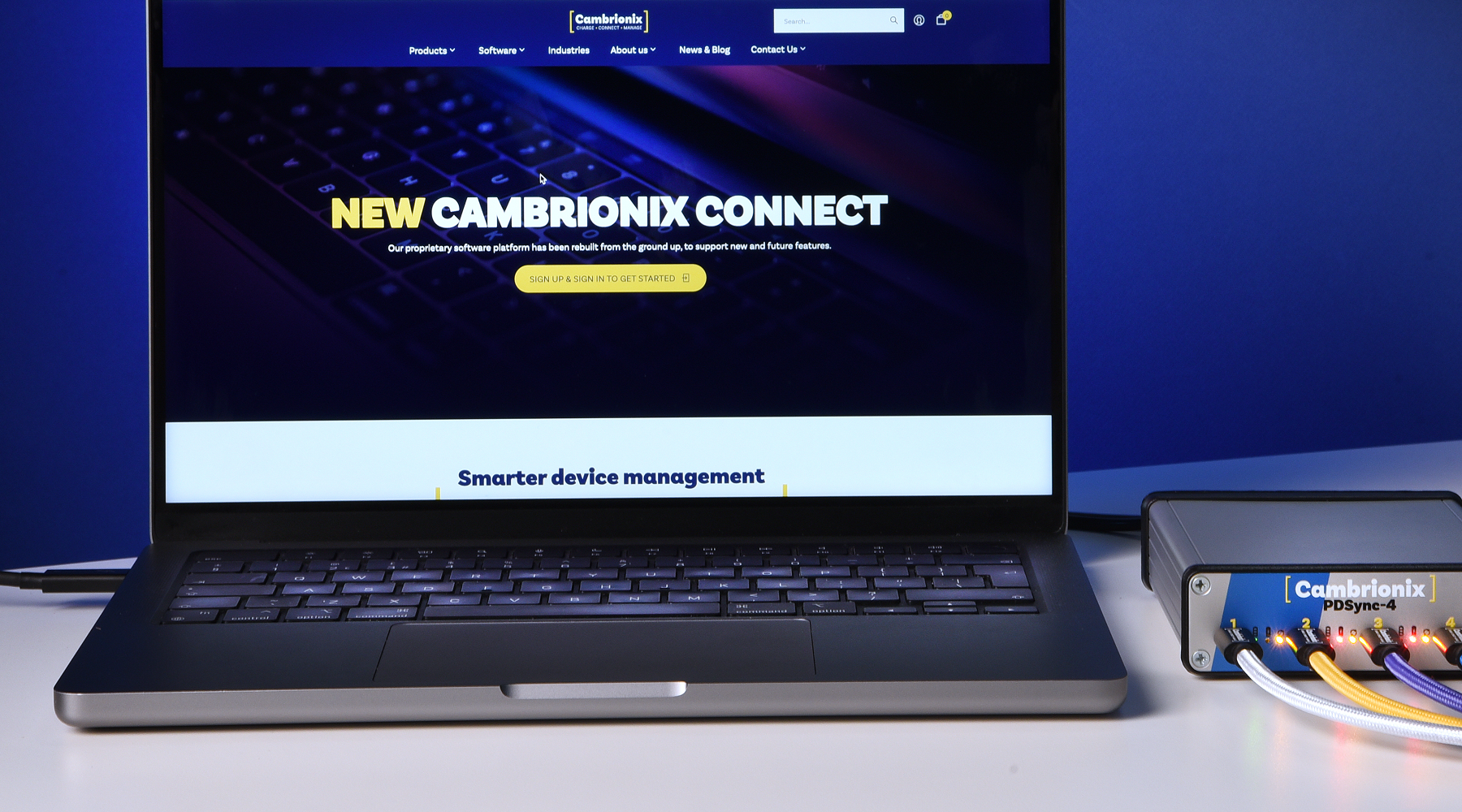
Cambrionix Connect is going even simpler, faster, and more reliable for our users. On Monday, September 22, we’ll roll out several important updates to improve your experience and future-proof the platform. These changes include:
- Safari support for Mac users
- Remote updates for Host APIs
- Migration to a new authentication provider
Each of these updates has been designed to reduce friction, enhance security, and provide you with greater control over your workflows. Below, we explain what’s changing and how it will benefit you.
Safari support for Mac users
Cambrionix Connect software talks to hubs running on the user’s Mac host computer to discover and configure hardware. Chrome, Edge and other browsers allow the hardware communication straight away, unlike Safari.
Until now, Safari’s strict security rules have often blocked the first connection between Connect and the Hub API, leaving new Mac users with a poor first impression and forcing them to switch to Chrome or Edge.
Our team updated the service and got the API Root Certificate Authority as a part of the API installer. Since the update, all Mac users will have access to the native internet platform and benefit from a fast and secure connection with no additional installations.
Safari requires trusted certificates when connecting to a local host. Make sure you install the Cambrionix API Certificate Verification.
Watch this video to see how to install the Cambrionix Hub API Service with API Root Certificate Authority.
Remote updates for Host APIs
Previously, keeping Host APIs up to date required engineers to log into each host individually, which is a time-consuming and error-prone process.
Now, the Connect users can conduct remote API updates across the whole organisation directly from the Connect platform. Connect introduces a unified update mechanism:
- Push updates to one or multiple remote hosts directly from the Connect interface,
- Keep API versions consistent across environments,
- Ensure access to the latest features, security patches, and performance improvements.
At launch, updates will be manual, but we’re already working on introducing automatic and scheduled updates to fit your maintenance windows.
Please, watch the video to see how remote API updates work.
Migration to a new authentication provider
We’re moving Connect to another authentication provider. This migration significantly reduces authentication time and eliminates platform stalls.
The new provider will deliver a smoother, faster, and more secure login experience, improve compliance and provide clear Terms of Service and Privacy Policy consent.
To complete the migration, all users will need to reset their passwords via the “Forgot password?” prompt. This step is necessary as our old provider does not allow password export.

Please, learn about our new login system in this video.
Make sure you’re ready for updates
These updates are part of our commitment to making Connect a powerful platform for managing your Cambrionix hubs. With Safari support, remote Host API updates, and improved authentication, you’ll spend less time configuring and more time streamlining your workflows and boosting productivity.
We’ll be rolling these changes on Monday, September 22.
If you have any questions or need help, please visit our Support hub or submit a ticket. Our experts are here to assist you.
We also value your ideas and feedback! Share your thoughts with us at feedback@cambrionix.com to help shape the future of Connect.