Three shifts reshaping Mac processing in ITAD
- Circular Tech

July 31, 2026
By John O’Brien, Business Development Director, Cambrionix
 |
Drawing on insights from Mobile Disrupt 2026, the ongoing partnership with Blancco, and numerous customer meetings, our Business Development Director, John O'Brien, shares his perspective on the key shifts in Mac processing. |
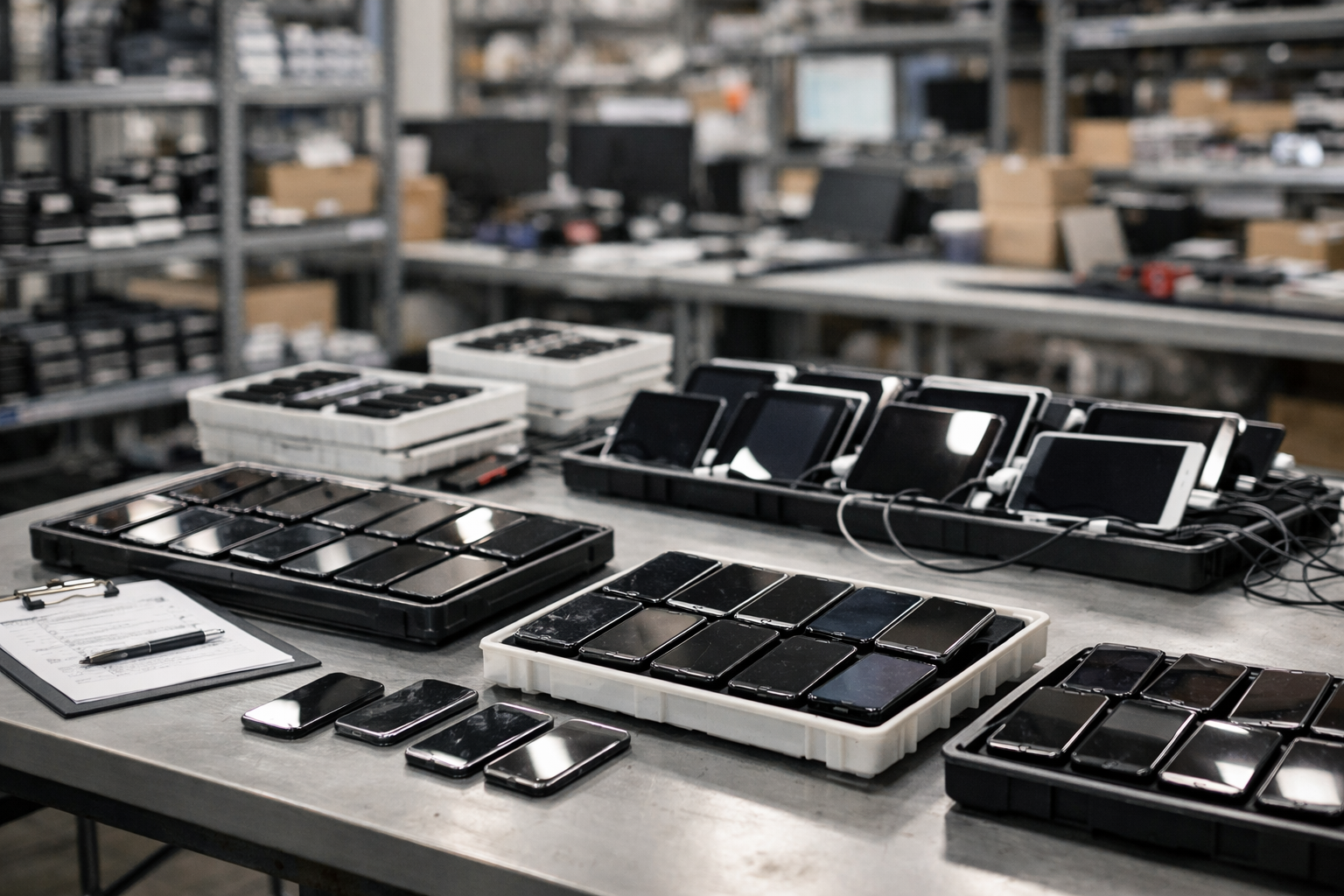
Apple Silicon devices now make up a growing share of trade-in, enterprise refresh, and lease-return volumes, and the tools most operators use to process them haven't caught up. It's a pattern we hear constantly in conversations with ITAD operators, refurbishers, and enterprise IT teams: Mac processing has quietly become one of the biggest operational bottlenecks in the industry, precisely because so few workflows were built to handle it at this scale. Here are three shifts we're seeing that are changing that.
Shift 1. Manual Mac processing has hit its ceiling
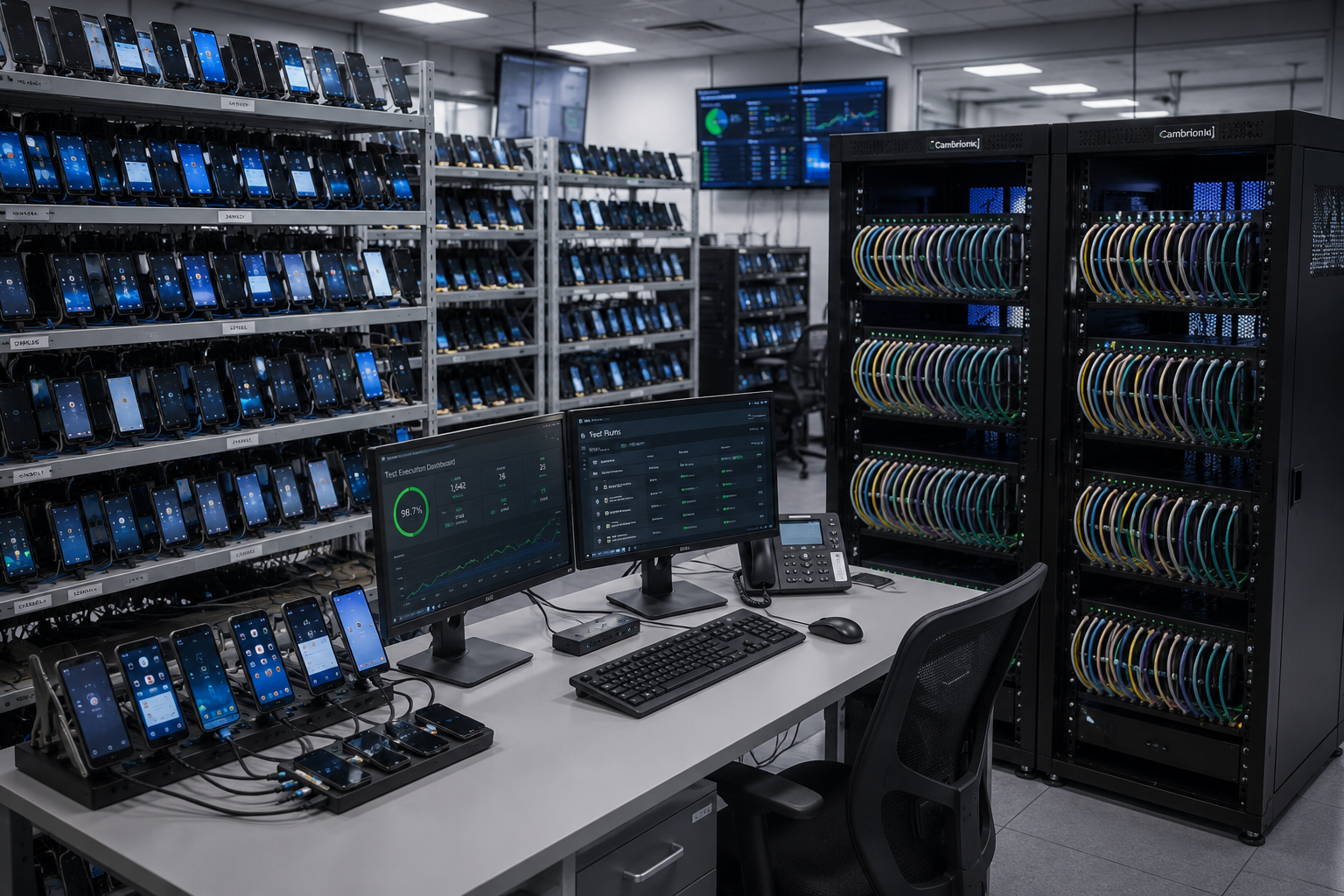
Most operations are still handling three to four Macs an hour, with ten as a practical ceiling, largely due to manual DFU handling and one-at-a-time operator intervention. That doesn't scale as Mac volumes grow across ITAD, refurbishment, and enterprise take-back programs.
Making more operations happen at once, on more devices, is a straightforward way to break the ceiling. Every device waiting in a queue at one station is idle capital, not just a delay.
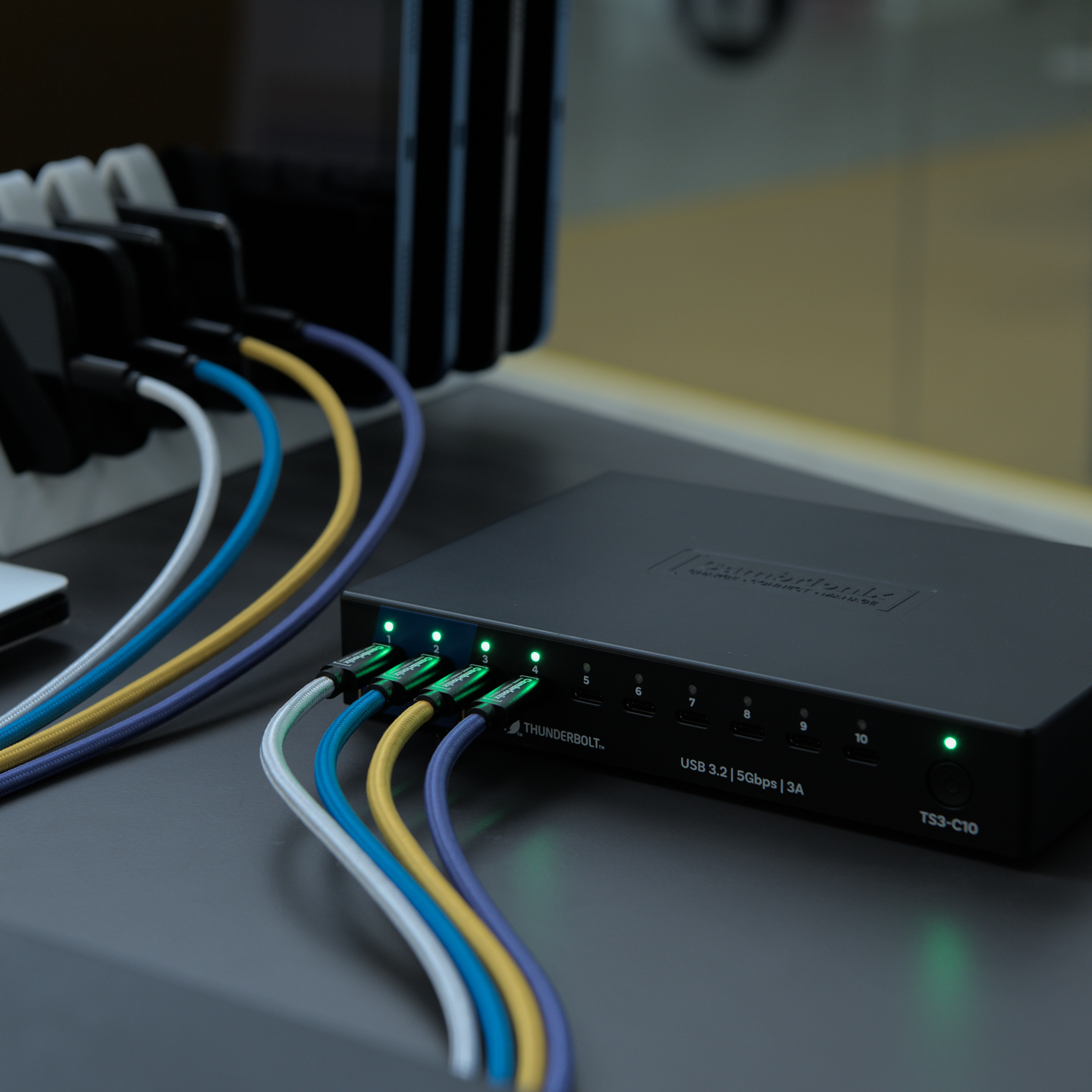
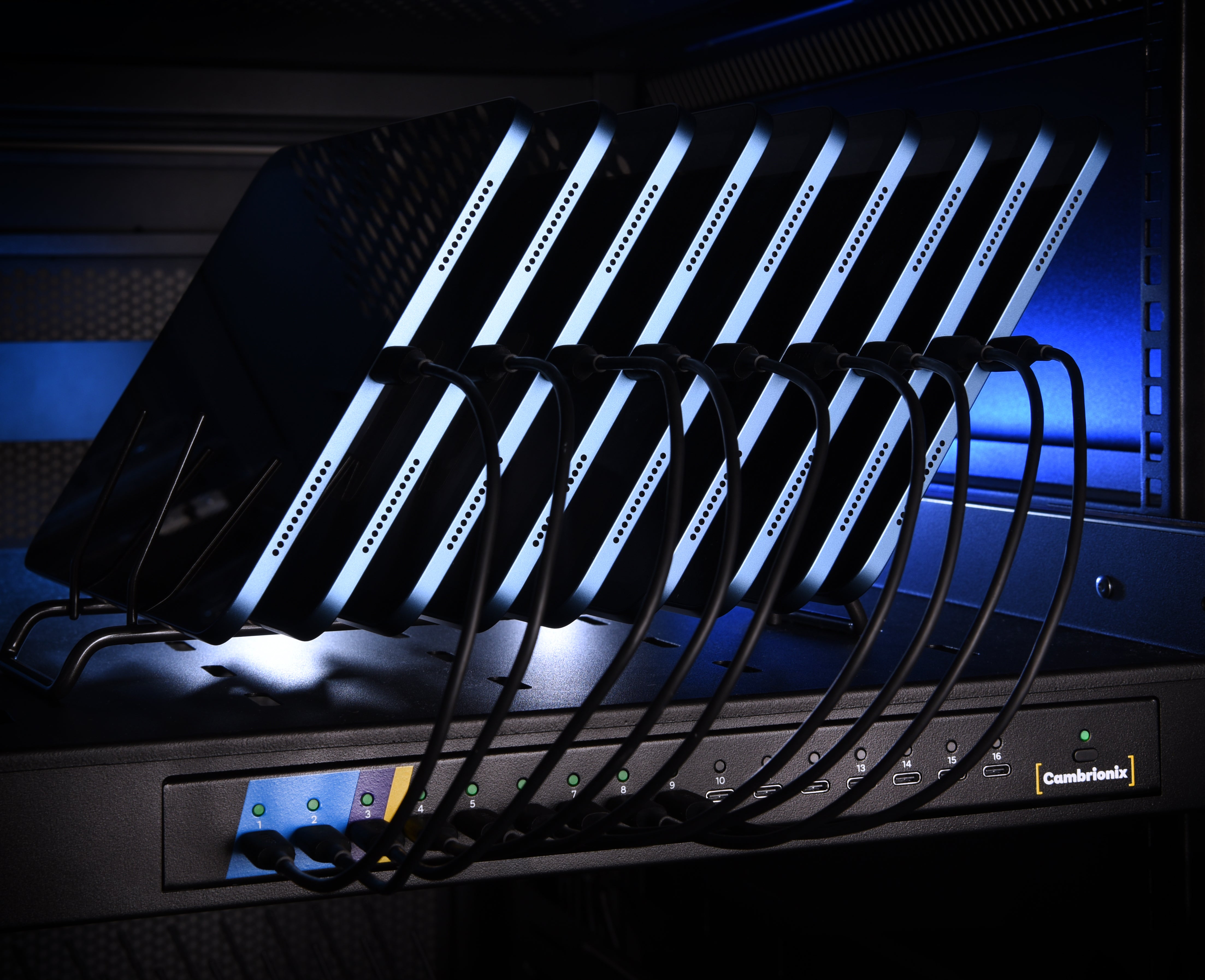
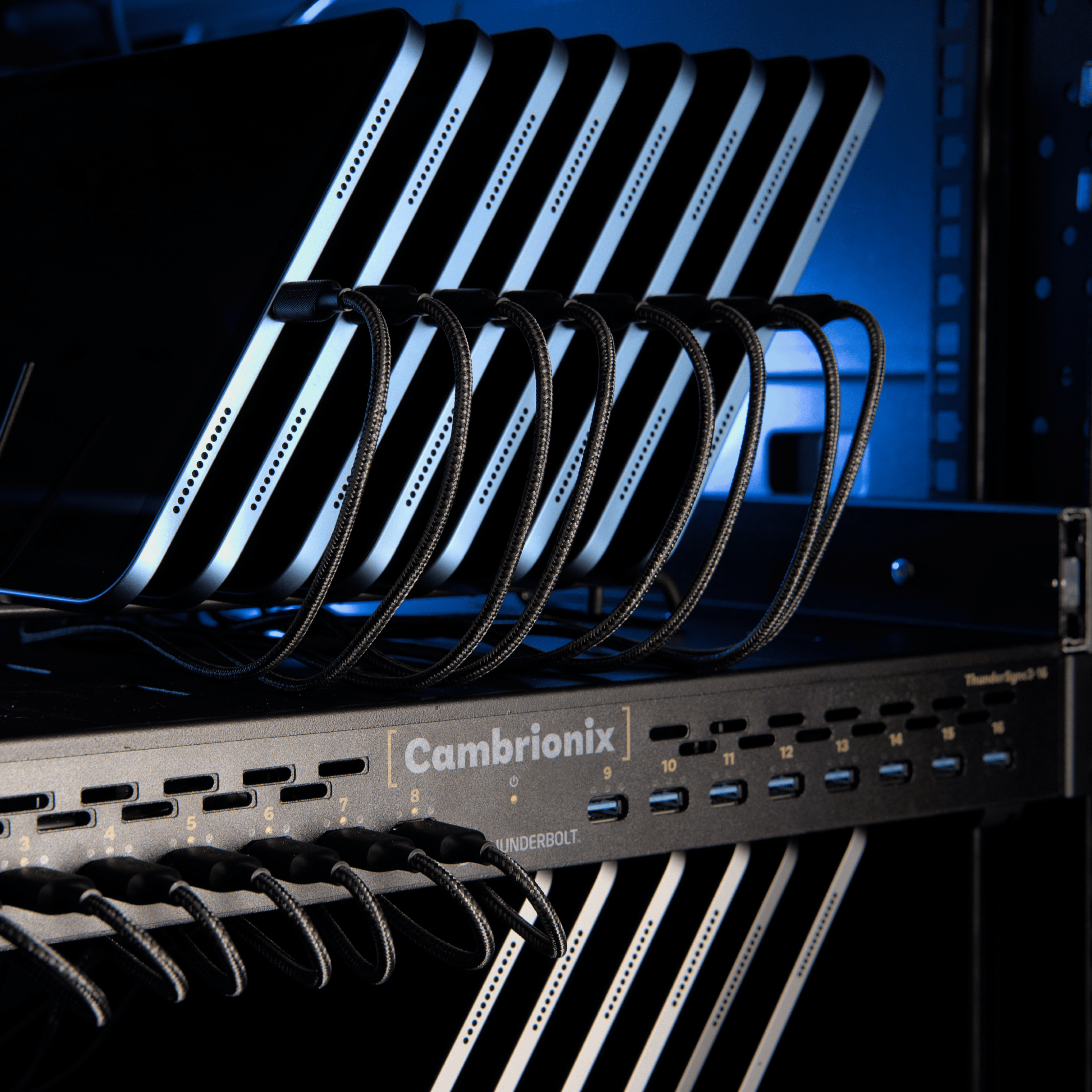
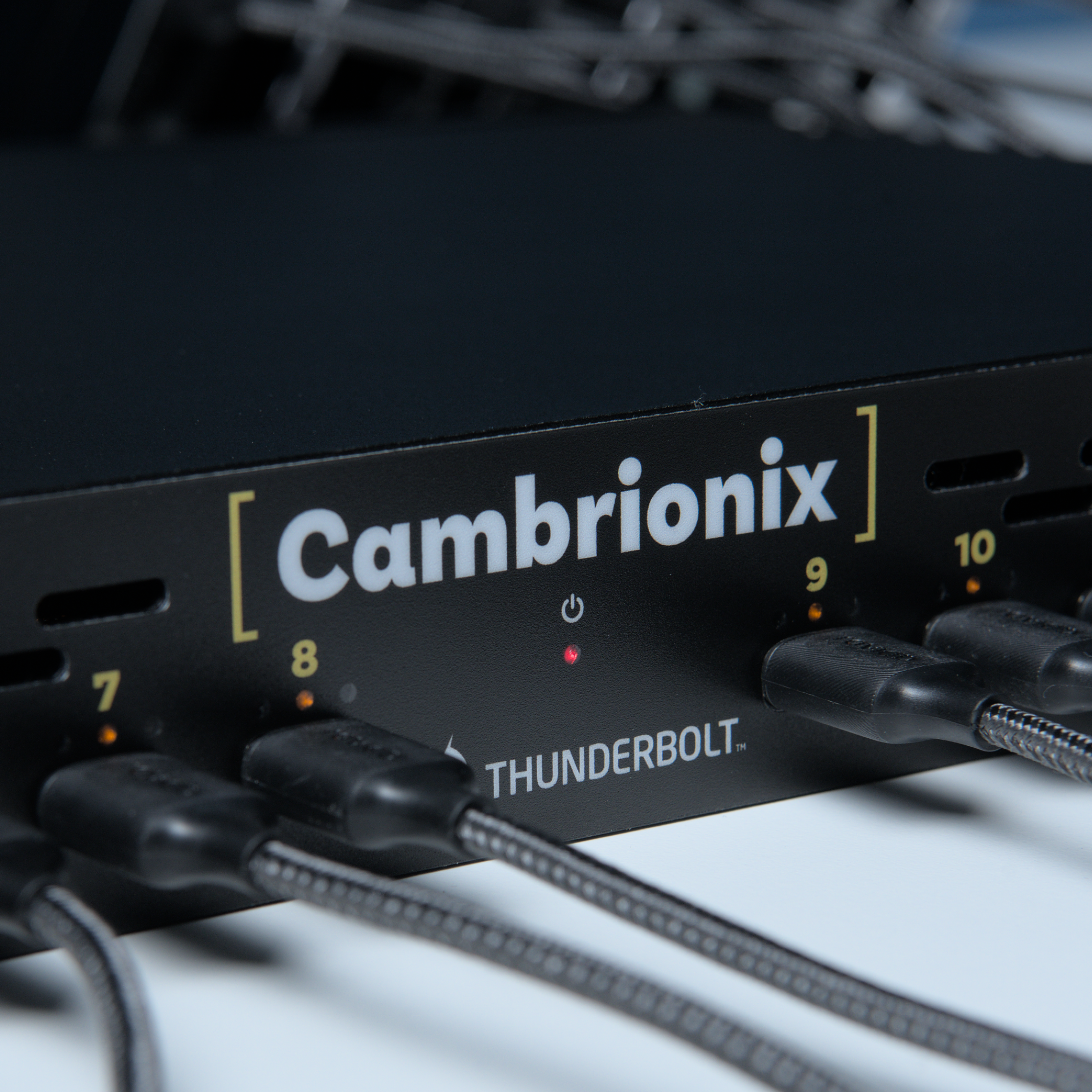
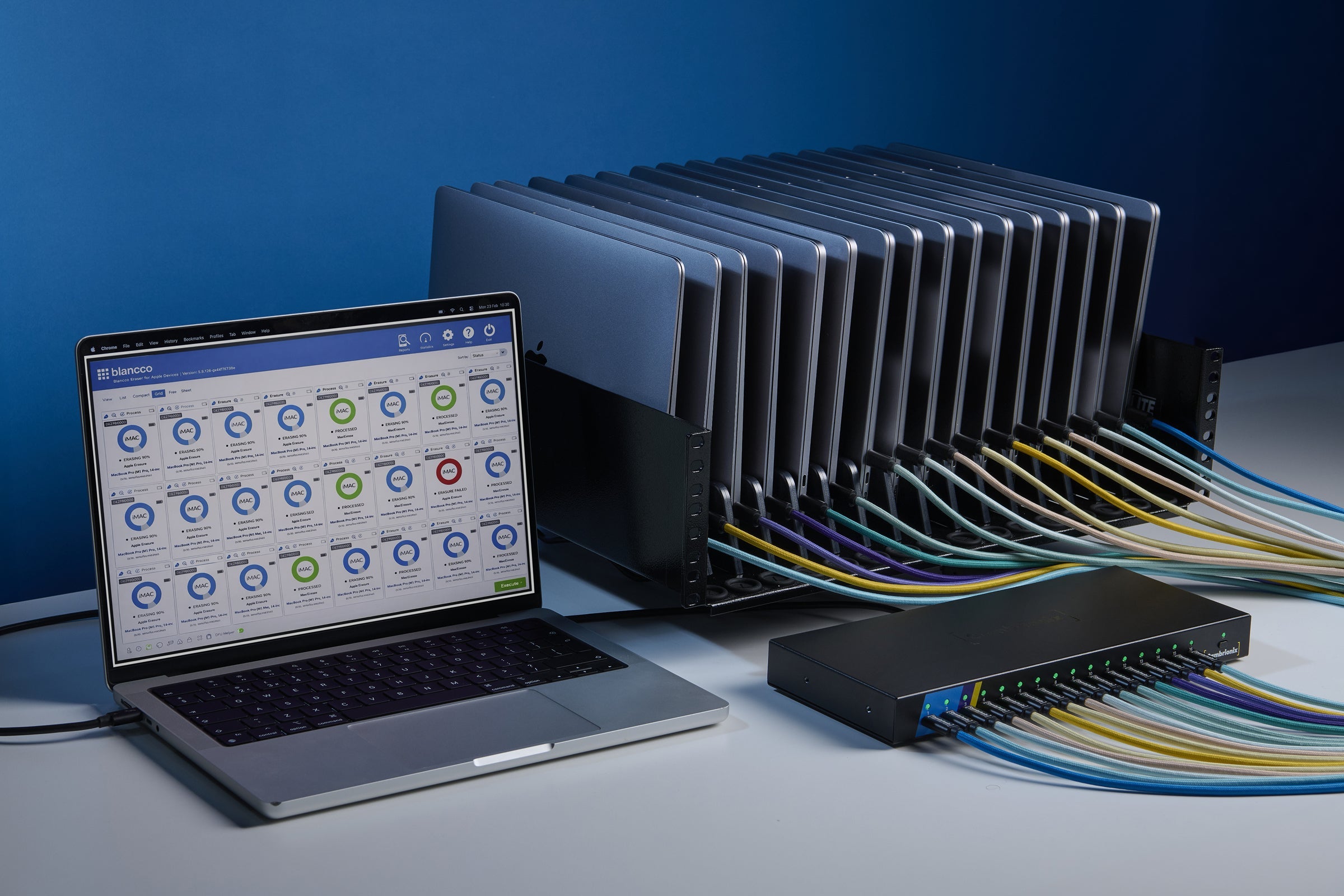
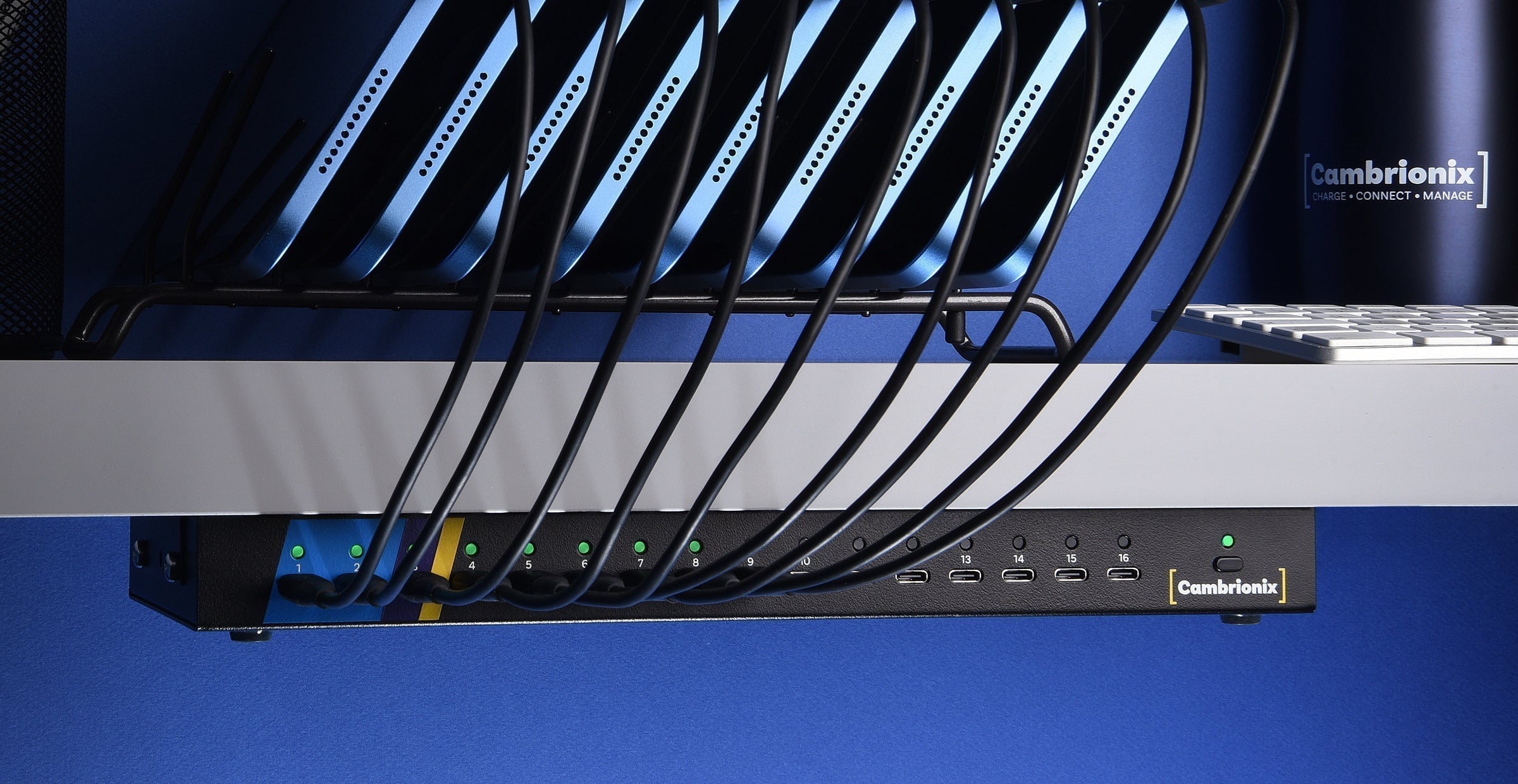
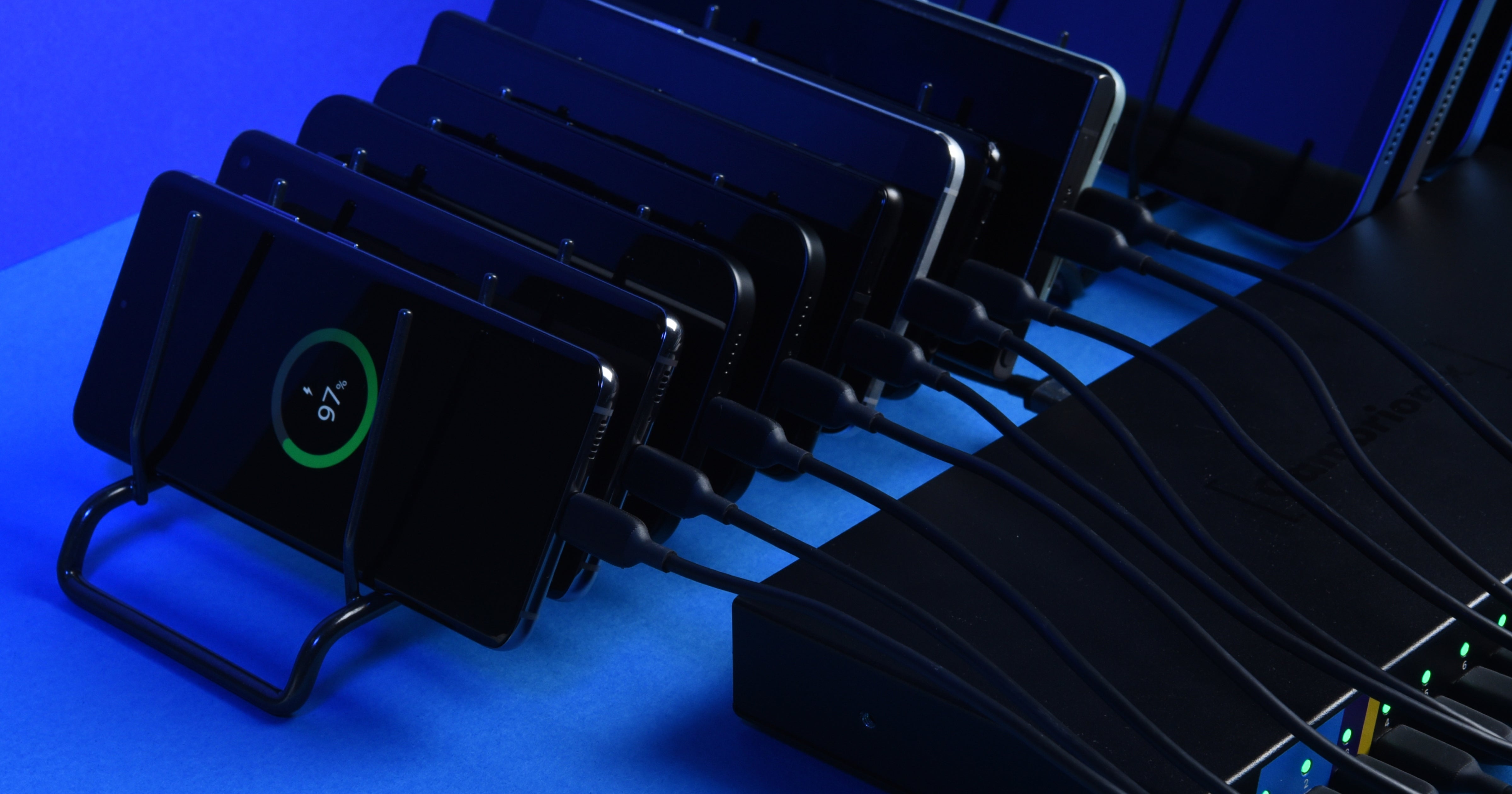
Our collaboration with Blancco helps solve this. By integrating BEAD software with the ThunderSync5-C16 hub, organizations can erase 16 Macs simultaneously in under 20 minutes, pushing governed processing capacity to as many as 48 Macs an hour from a single workstation.
Shift 2. Operators want automation, not just faster manual work
The bigger shift is in mindset: teams no longer want to speed up manual handling, they want to remove it. Automated DFU detection, device auto-detection, and rules-based workflows mean technicians aren't babysitting Macs one at a time. They can connect the fleet, let the workflow run, and walk away with certified results.
This matters most on a warehouse floor with mixed skill levels. Manual, subjective handling is one of the industry's most consistent weak points – some industry estimates put manual grading and triage accuracy at just 40–60%.
Zero-touch, auto-detect workflows eliminate operator variance, reduce training time, and lower the compliance risk associated with inconsistent manual handling.
Shift 3. Buyers are rethinking how they pay for throughput
Labor is the largest variable cost in Mac processing, and it scales badly with manual workflows, but so does a large capital outlay if volumes fluctuate seasonally.
That calculation is getting harder on the compliance side, too. The standard way to scale
Mac processing by adding headcount and workstations to match volume introduces inconsistency and adds compliance risk. It’s the opposite of what enterprise contracts increasingly require: tighter SLA turnaround windows and audit-readiness written into the terms.
It's pushing buyers to ask a different question: not just what processes Macs fastest, but what flexes with volume without a fixed cost sitting idle in the quiet months. We think there's a better way to buy into this kind of throughput without a capital commitment. We'll share more on that soon.
The common thread
Put together, these three shifts describe the same underlying change: Mac processing is finally being engineered as a scalable workflow, rather than scaled the old way by adding more people and more workspace. Speed removes the ceiling. Automation removes the inconsistency. And the way operators pay for it all is starting to catch up with how they actually use it.
If you're working through similar questions on your own Mac processing setup, we'd be glad to support you. Get in touch with our team.